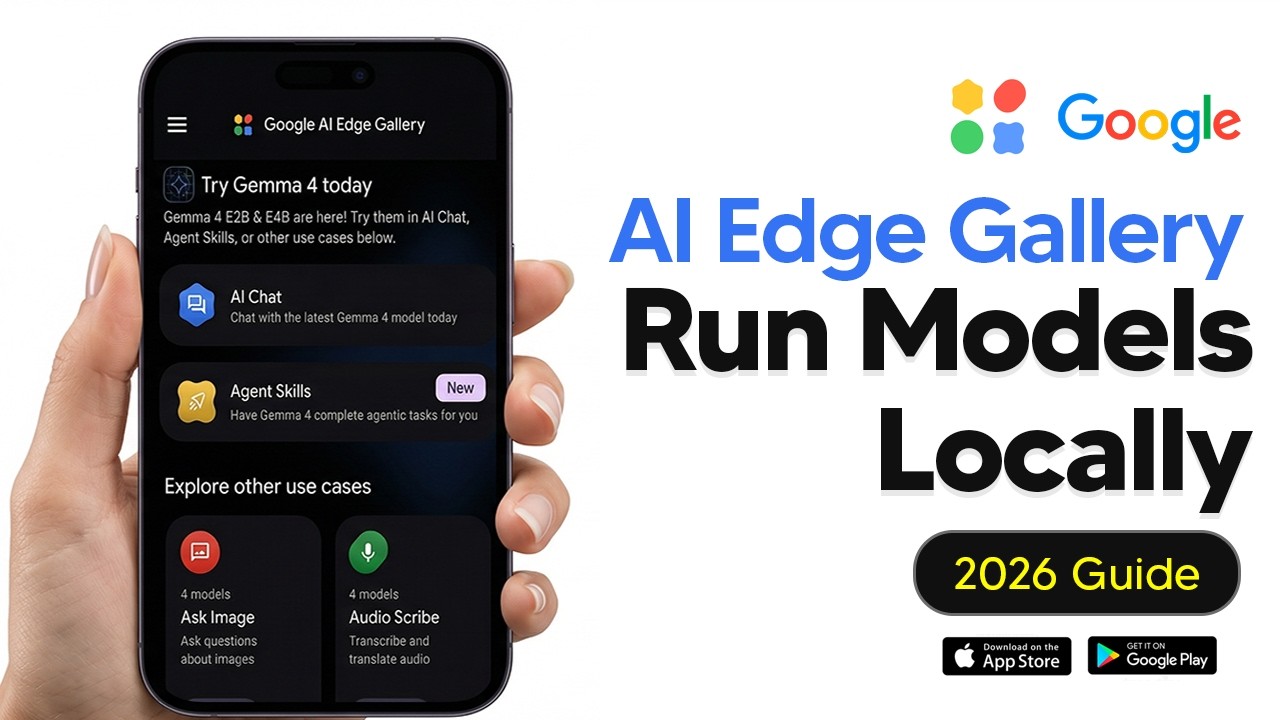
Google AI Edge Gallery Tutorial - How To Run LLMS Locally On Your Phone
★☆☆ BronzeBeginnerGoogle AI Edge GalleryGemini
🎧 AI Learnings Digest· Agents as a Service · AI Coach
aaas.diy
① WATCH
② DECIDE
③ IMPLEMENT
What you get
Running LLMs locally on mobile devices using Google AI Edge Gallery
Google AI Edge GalleryGemini
Prompts1
Code files0
Configs1
READMEyes
Quality★☆☆ Bronze
DifficultyBeginner
SKILL.md
---
name: google-ai-edge-gallery-tutorial-how-to-run-llms-locally-on-y
version: "1.0.0"
description: "Running LLMs locally on mobile devices using Google AI Edge Gallery"
source: "https://www.youtube.com/watch?v=AV4XYBzlSyg"
tags: [Google AI Edge Gallery, Gemini]
---

# Google AI Edge Gallery Tutorial - How To Run LLMS Locally On Your Phone

> Auto-generated from: Google AI Edge Gallery Tutorial - How To Run LLMS Locally On Your Phone by TheAIGRID

## Prerequisites
- Android phone with 8GB+ RAM (recommended) or iPhone 15 Pro and above, or iPads with M-series chips and 8-16GB RAM.
- Google AI Edge Gallery app installed on your device.

## Quick Start
1. `Install the Google AI Edge Gallery app from the Google Play Store or Apple App Store.`
2. `Download the desired LLM model within the app.`

## What You Get
- Content Type: tool
- Difficulty: beginner
- Tools: Google AI Edge Gallery, Gemini
Sign in to access all 1 prompts