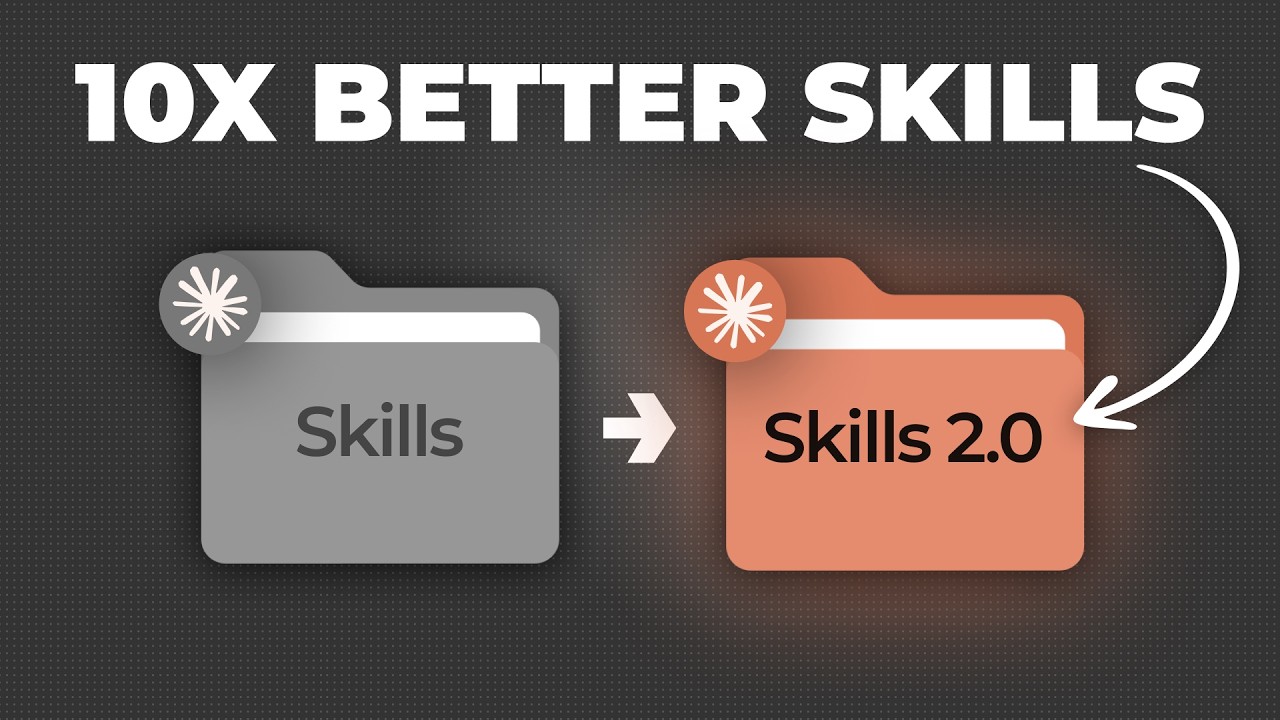
How to Use Claude Skills 2.0 Better than 99% of People
★★☆ SilverIntermediateClaudePrompt Cowboyn8nRelevance AI
🎧 AI Learnings Digest· Agents as a Service · AI Coach
aaas.diy
① WATCH
② DECIDE
③ IMPLEMENT
What you get
Claude Skills 2.0 and automated skill evaluation
ClaudePrompt Cowboyn8nRelevance AIMake.comApifyElevenLabsSendspark
Prompts1
Code files0
Configs1
READMEyes
Quality★★☆ Silver
DifficultyIntermediate
SKILL.md
---
name: how-to-use-claude-skills-20-better-than-99-of-people
version: "1.0.0"
description: "Claude Skills 2.0 and automated skill evaluation"
source: "https://www.youtube.com/watch?v=3cYusISFc9s"
tags: [Claude, Prompt Cowboy, n8n, Relevance AI, Make.com]
---

# How to Use Claude Skills 2.0 Better than 99% of People

> Auto-generated from: How to Use Claude Skills 2.0 Better than 99% of People by Ben AI

## Prerequisites
- Access to Claude Skills 2.0 (likely through the Anthropic platform)
- A clear understanding of the task you want to automate
- Relevant reference materials (text, code, or other formats) to guide the skill

## Quick Start
1. `1. Access Claude Skills 2.0 through the Anthropic platform.`
2. `2. Create a new skill within the Skills interface.`
3. `3. Define the skill's behavior using a Skill MD file.`
4. `4. Upload any necessary reference files.`
5. `5. Run initial tests using the built-in Evals.`
6. `6. Analyze the test results and iterate on the skill's design.`

## What You Get
- Content Type: tool
- Difficulty: intermediate
- Tools: Claude, Prompt Cowboy, n8n, Relevance AI, Make.com, Apify, ElevenLabs, Sendspark
Sign in to access all 1 prompts