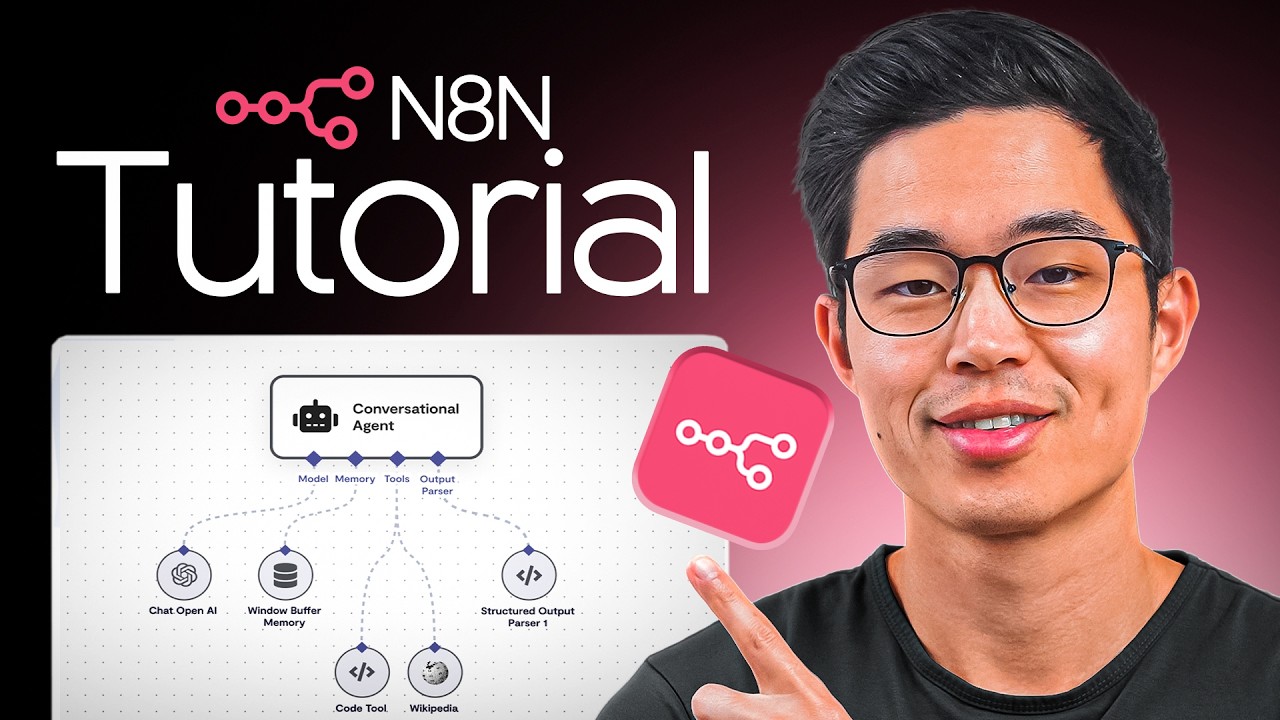
n8n Tutorial for Beginners: How to Build AI Automations for FREE (Step-by-Step)
★☆☆ BronzeBeginnern8nZapier
🎧 AI Learnings Digest· Agents as a Service · AI Coach
aaas.diy
① WATCH
② DECIDE
③ IMPLEMENT
What you get
Building AI automations with n8n
n8nZapier
Prompts1
Code files1
Configs1
READMEyes
Quality★☆☆ Bronze
DifficultyBeginner
SKILL.md
---
name: n8n-tutorial-for-beginners-how-to-build-ai-automations-for-f
version: "1.0.0"
description: "Building AI automations with n8n"
source: "https://www.youtube.com/watch?v=Fy1UCBcgF2o"
tags: [n8n, Zapier]
---

# n8n Tutorial for Beginners: How to Build AI Automations for FREE (Step-by-Step)

> Auto-generated from: n8n Tutorial for Beginners: How to Build AI Automations for FREE (Step-by-Step) by Charlie Chang

## Prerequisites
- Node.js (for self-hosting)
- Docker (optional, for containerized deployment)
- VPS (optional, for self-hosting)
- PostgreSQL (recommended database for production)
- n8n account (for cloud version)

## Quick Start
1. `1. Install n8n: Follow the official n8n documentation for installation instructions (either cloud or self-hosted).`
2. `2. Configure environment variables: Set up the necessary environment variables in a `.env` file based on the `.env.example` template.`
3. `3. Start n8n: Run the command to start the n8n server (e.g., `n8n start`).`
4. `4. Access n8n: Open your web browser and navigate to the n8n interface (e.g., `http://localhost:5678`).`
5. `5. Create credentials: Set up credentials for the APIs and services you want to use in your workflows.`

## What You Get
- Content Type: workflow
- Difficulty: beginner
- Tools: n8n, Zapier
Sign in to access all 1 prompts